To add an E-document to File-Eazy,
- Login to your File-Eazy account.
- Click the ‘Add E-Document’ button on the Ribbon bar (top panel)
- In the Document Type dropdown, select the preferred Document Type
- Enter the Document Number & Document Name
- In the Department dropdown, select the preferred Department.
- You can also associate the document to Stacks and Tags
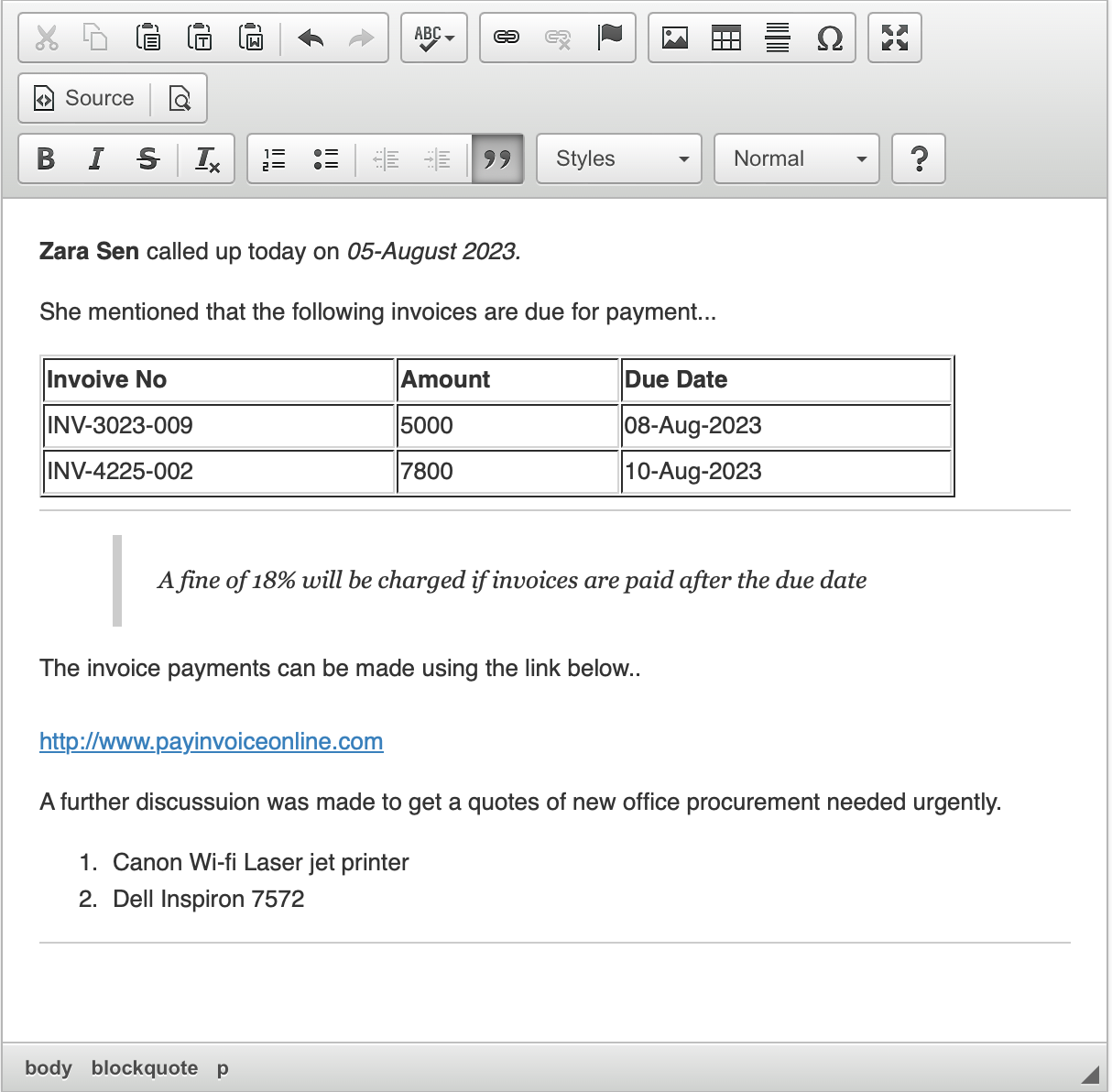
- In the right pane, you can include your notes, content, links, or articles. Utilize the powerful editor to enhance your content and make it more visually appealing.
- Click on the ‘Save Draft’ button to save your document. The content within the E-document in the right pane will be converted into a PDF file and presented in the preview section.
- Click on the Check In and Publish to Publish the document.
Below is a sample E-document of a quick discussion …